Plan the day.
Actually get it done.
ChibyooTasks brings tasks, habits, your calendar and birthdays into one calm day plan — with smart quick input, reminders that don't let you forget, and the Chibyoo character cheering you on.
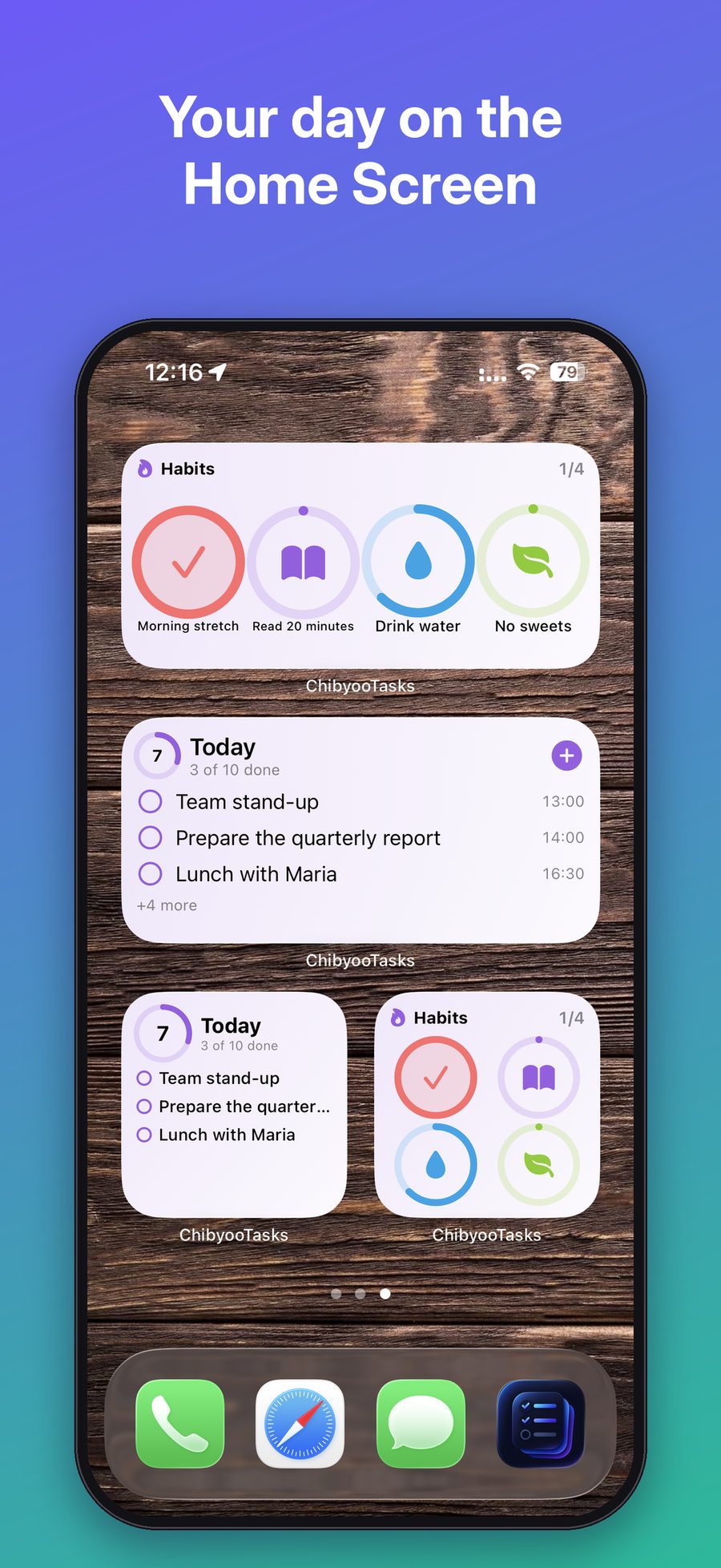
Your whole day at a glance
One screen shows what matters right now: overdue, today, tomorrow, the next 7 days, later and someday. Calendar events sit next to your tasks, and the week strip shows your progress for every day.
- Sections by time — nothing gets lost
- Week strip with progress rings
- Swipe to complete, delete or move to tomorrow
- Move all overdue tasks in one tap
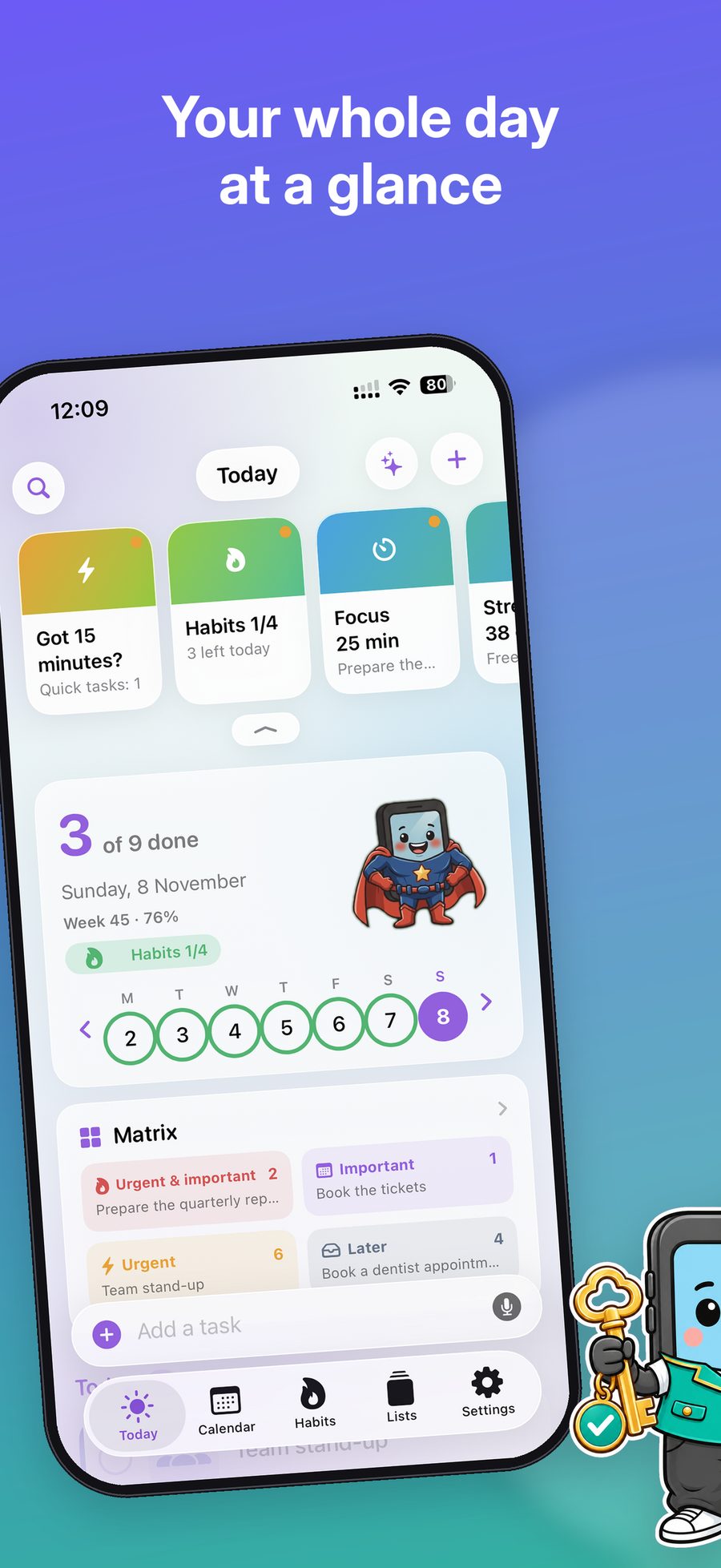
Just type it like you say it
Write “Call mom every Sunday at 7 PM” — ChibyooTasks understands the date, time and repeat on its own. Works in English and Russian. Prefer talking? Use voice input.
- Dates, times and repeats from plain text
- Quick date chips: today, tomorrow, weekend
- Voice input (Pro)
- Smart icons picked from the task title
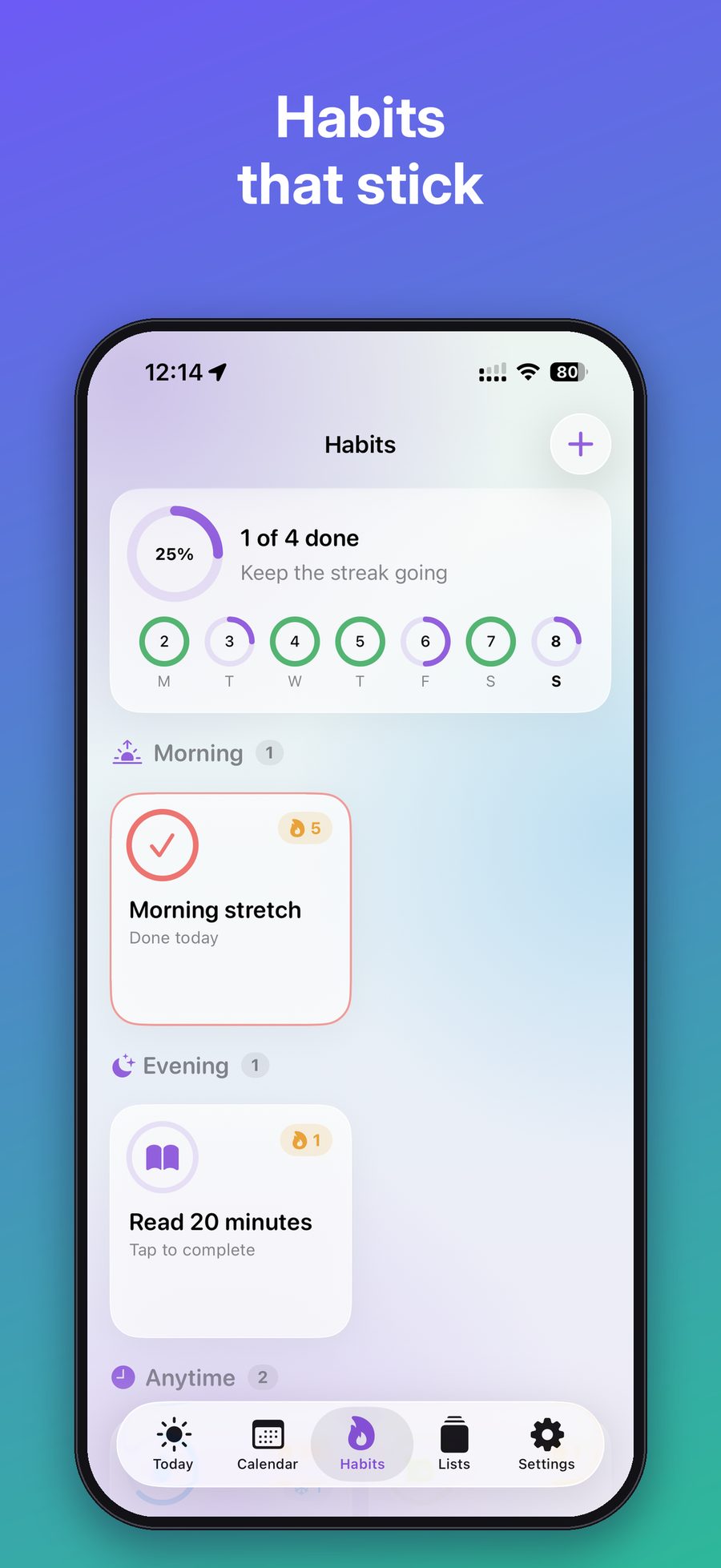
Habits that stick
Daily habits or weekly goals like “Workout 3× a week”. Group them by morning, afternoon and evening, count glasses of water or pages read, and keep your streak going.
- Daily habits and “N times a week” goals
- Counters, reminders and time of day
- Streaks, best streaks and heatmap
- Vacation mode keeps your streak safe
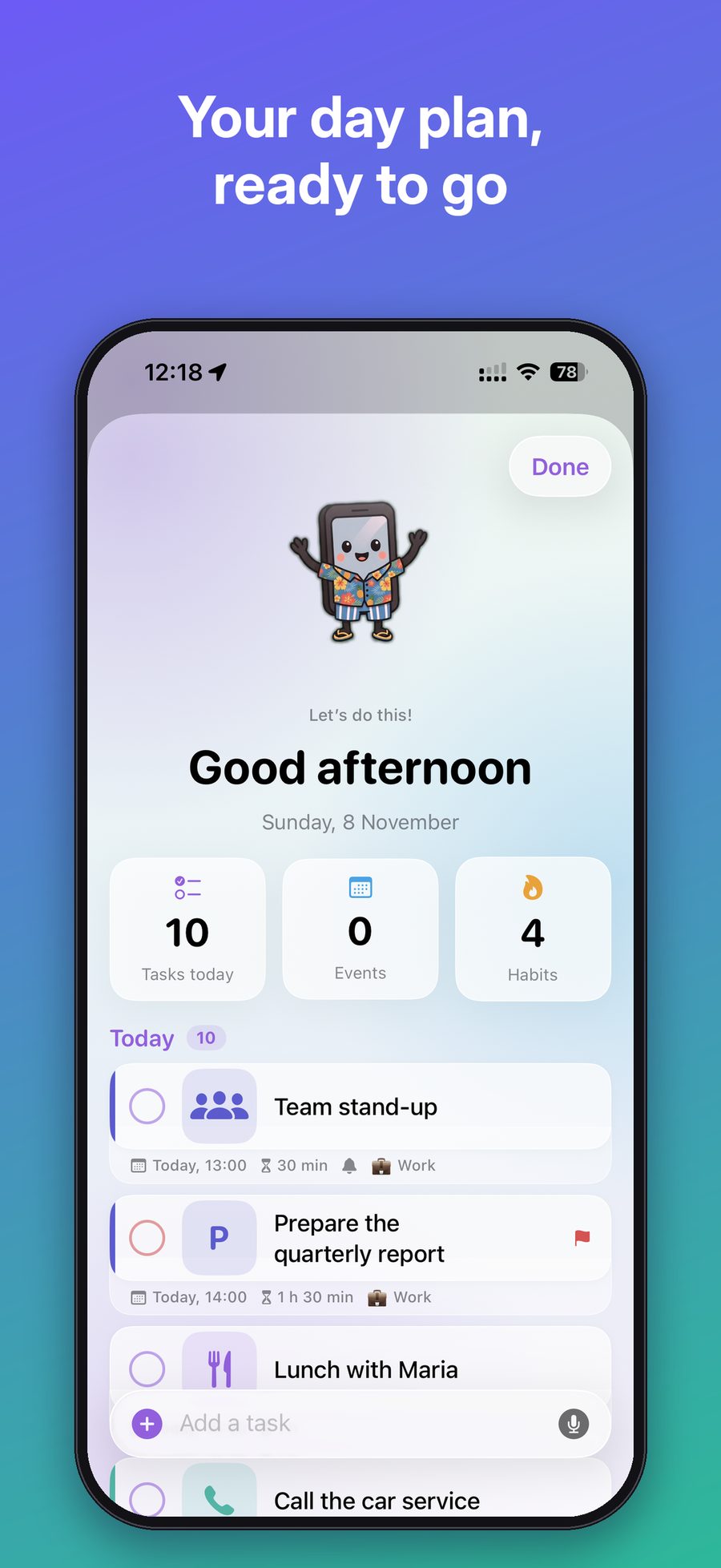
Your day plan, ready to go
In the morning — a short plan: tasks, events and habits for today. In the evening — a review of the day with your mood and a note. All your days are saved in “My days”.
- Morning and evening reminders
- Day results, mood and notes
- Streak of perfect days
- Opens right after your ChibyooAlarm
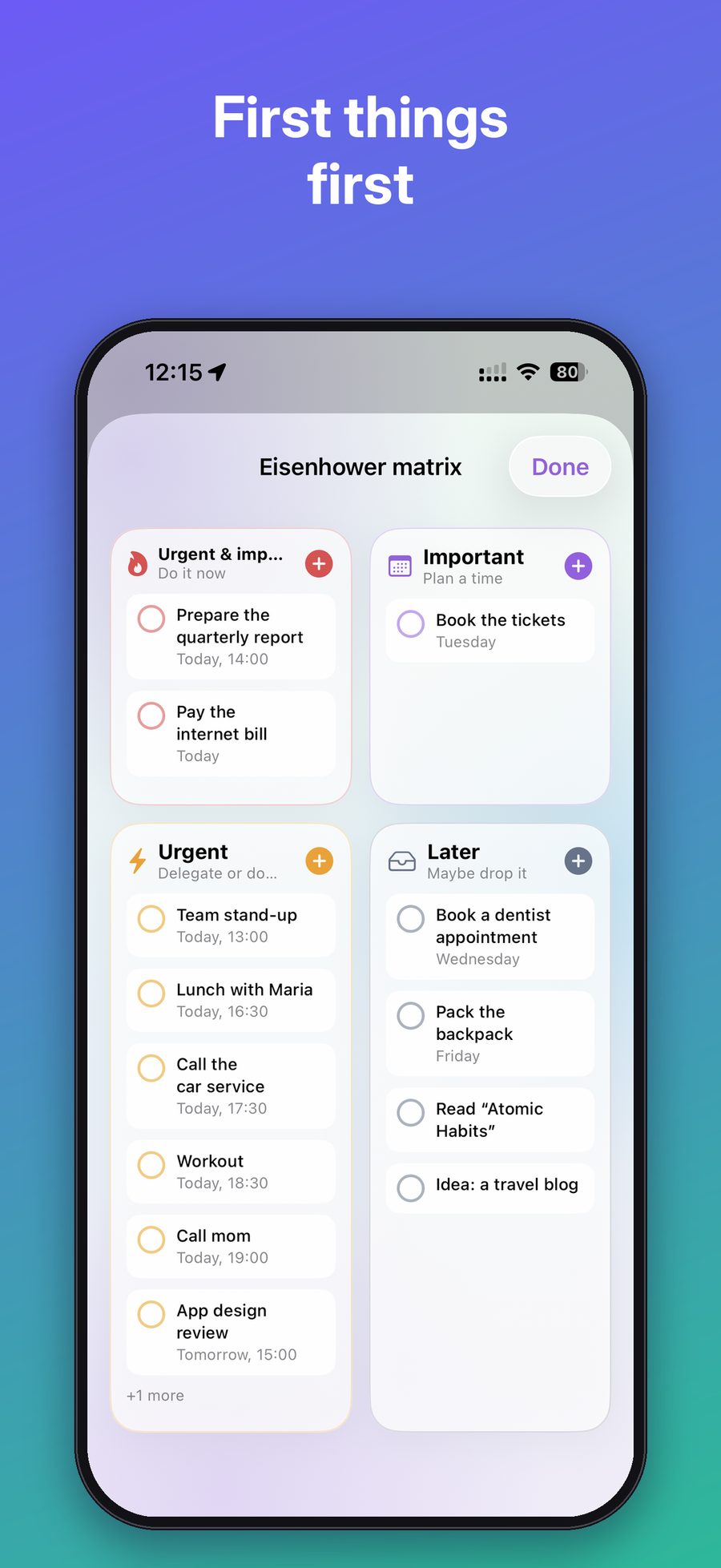
First things first
Sort tasks into four quadrants: do it now, plan it, delegate it, or maybe later. Instantly see what really deserves your time today.
- Urgent & important — do now
- Important — plan a time
- Urgent — delegate or do quickly
- Later — maybe drop it
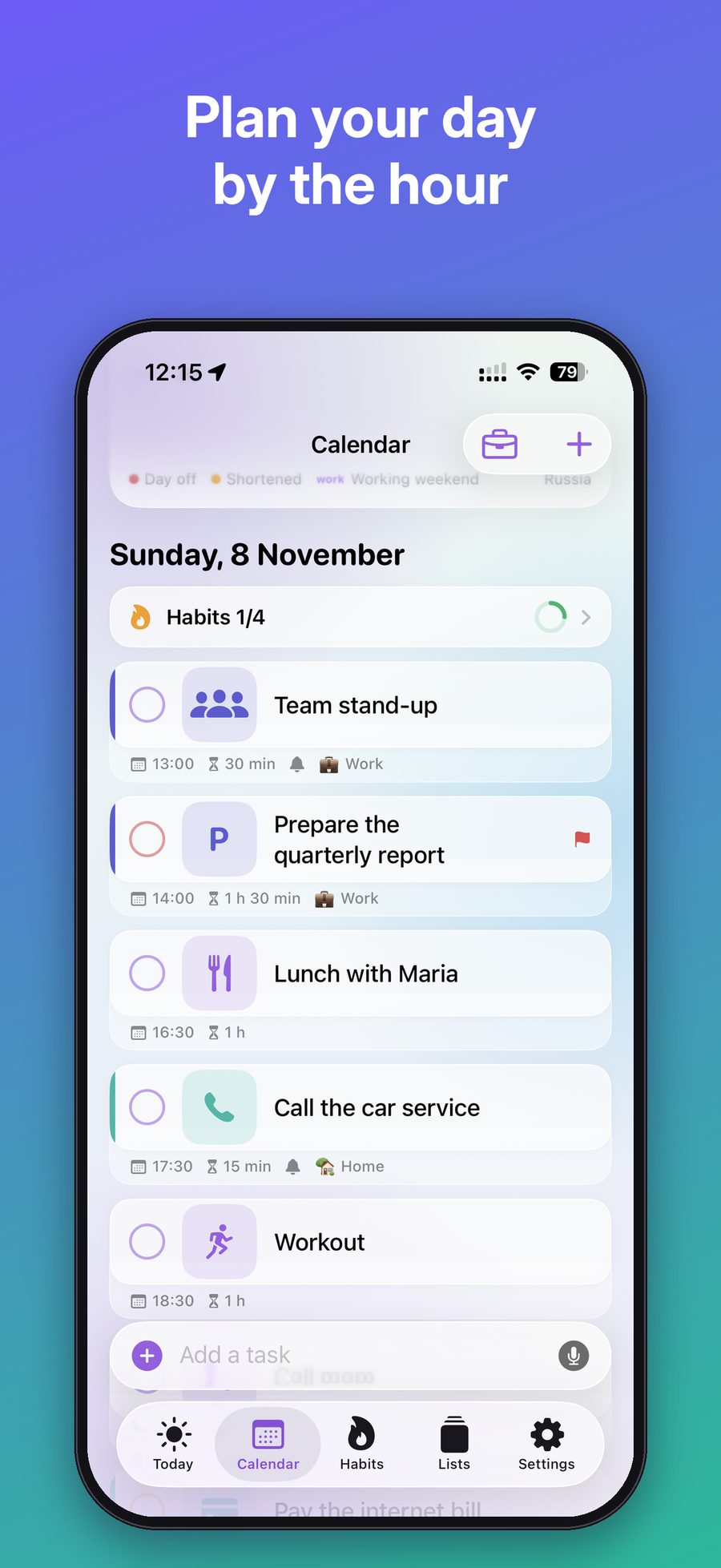
Plan your day by the hour
Month, week and day views. The timeline shows tasks with their duration next to events from Apple Calendar — and finds free windows where a “someday” task fits.
- Month, week and day views
- Task duration and free time windows
- Two-way Apple Calendar sync
- Holidays and days off right in the calendar
Watch your progress grow
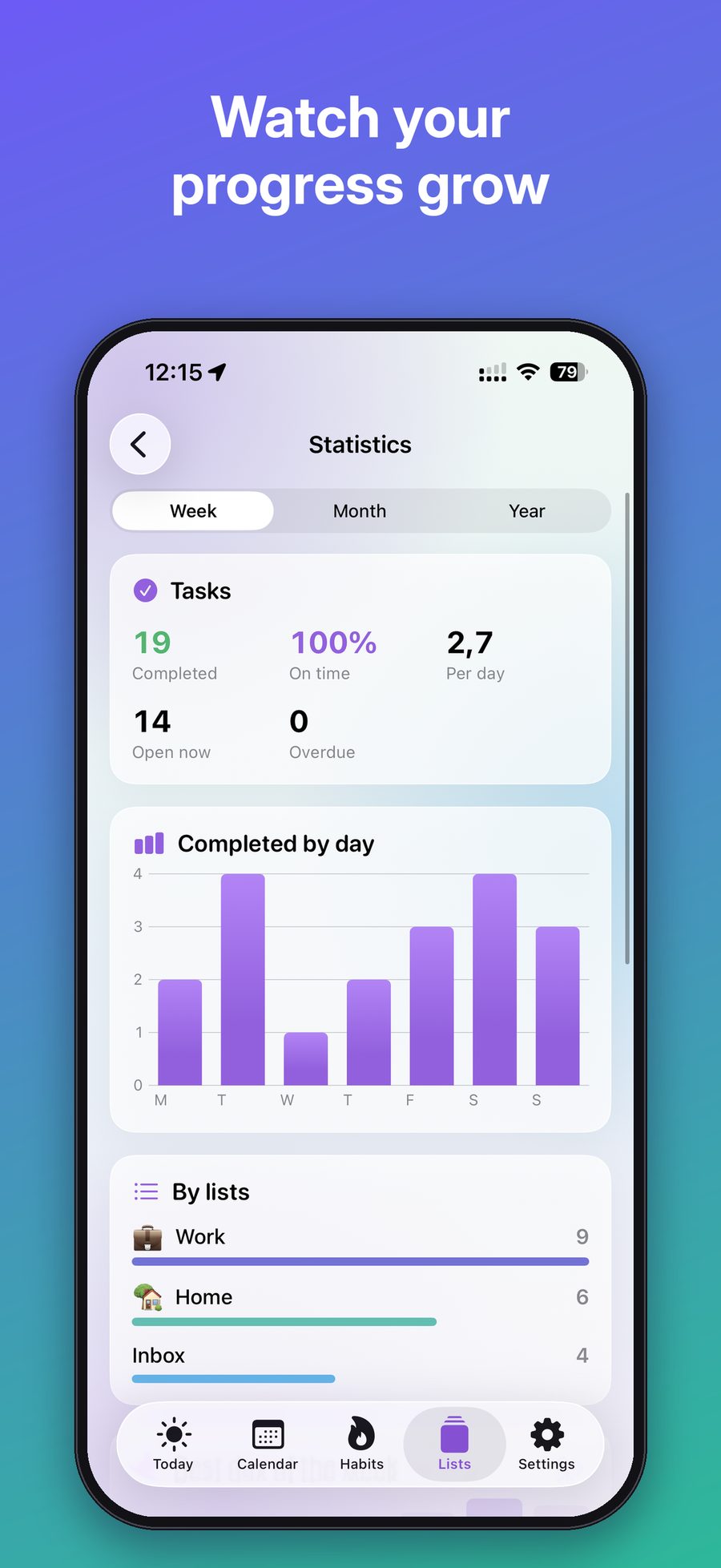
How many tasks you completed, how many on time, your average per day and which lists take most of your effort — by week, month or year.
- Completed, on time and overdue
- Chart of completed tasks by day
- Breakdown by lists
Never forget a birthday
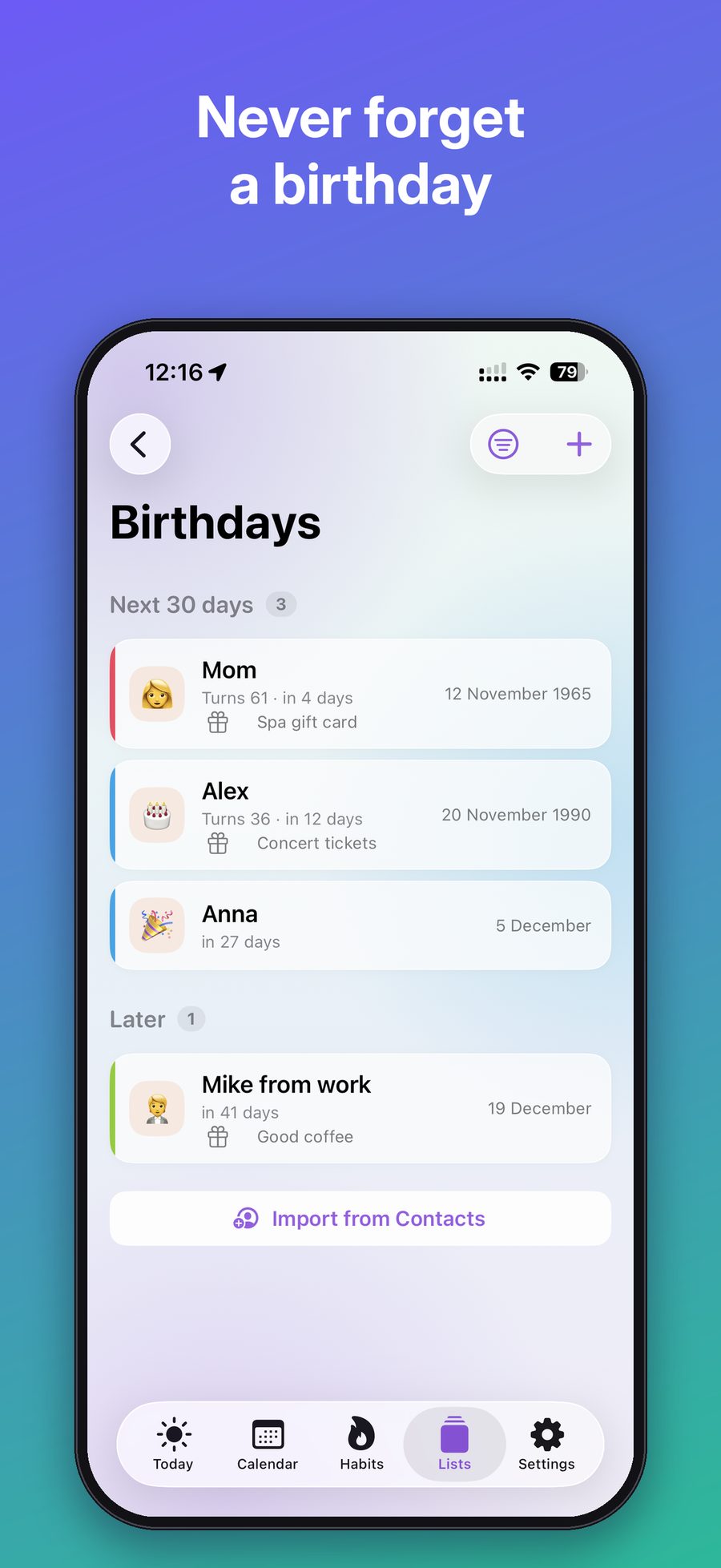
Import birthdays from Contacts in one tap. See who is next, how old they turn and how many days are left — and keep a gift idea for each person.
- Import from Contacts
- Age and countdown for every person
- Gift ideas right next to the date
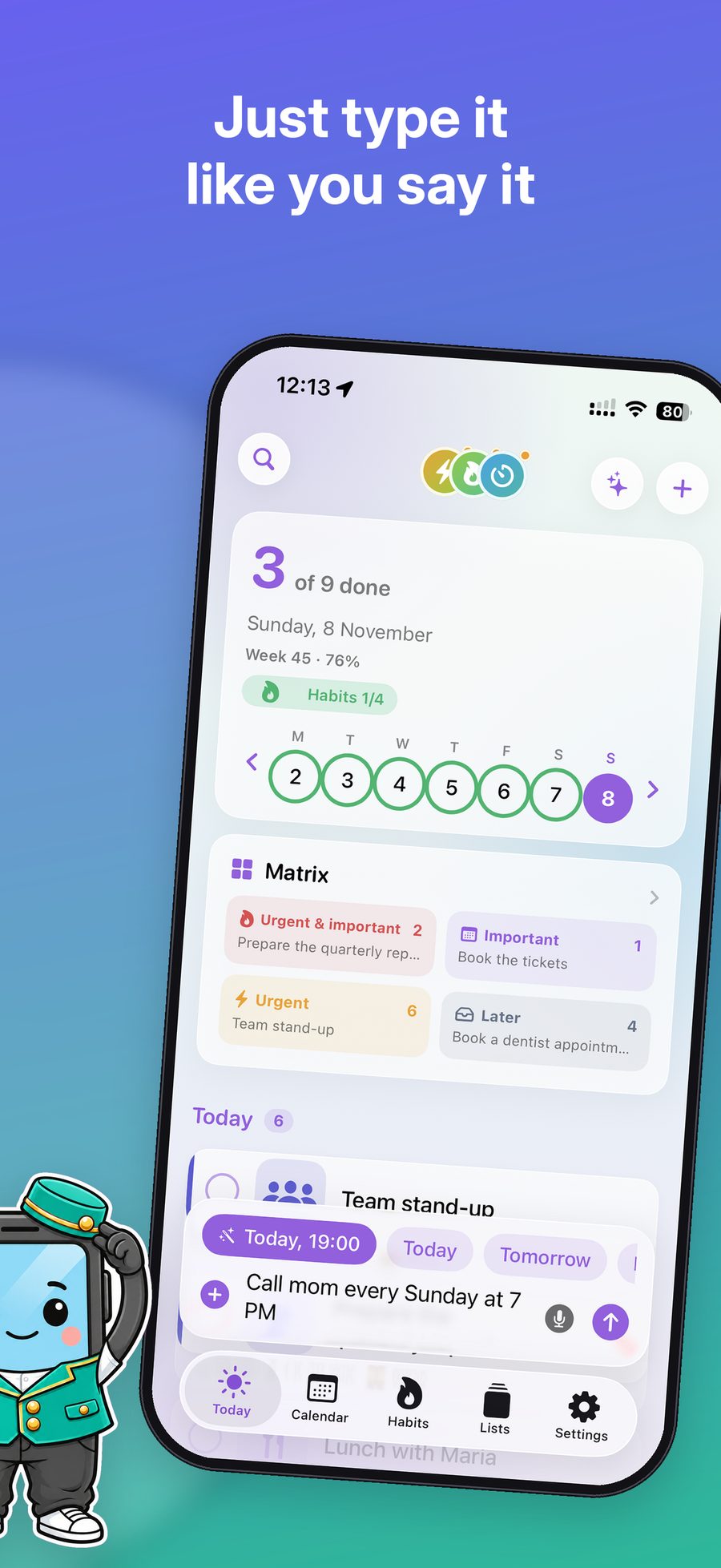
Your day on the Home Screen
Today's tasks and habits are always in sight — no need to open the app. And the nearest task can live on your Lock Screen with a “Done” button.
- Today and Habits widgets in several sizes
- Live Activity on the Lock Screen
- Complete tasks without opening the app
Everything in its place
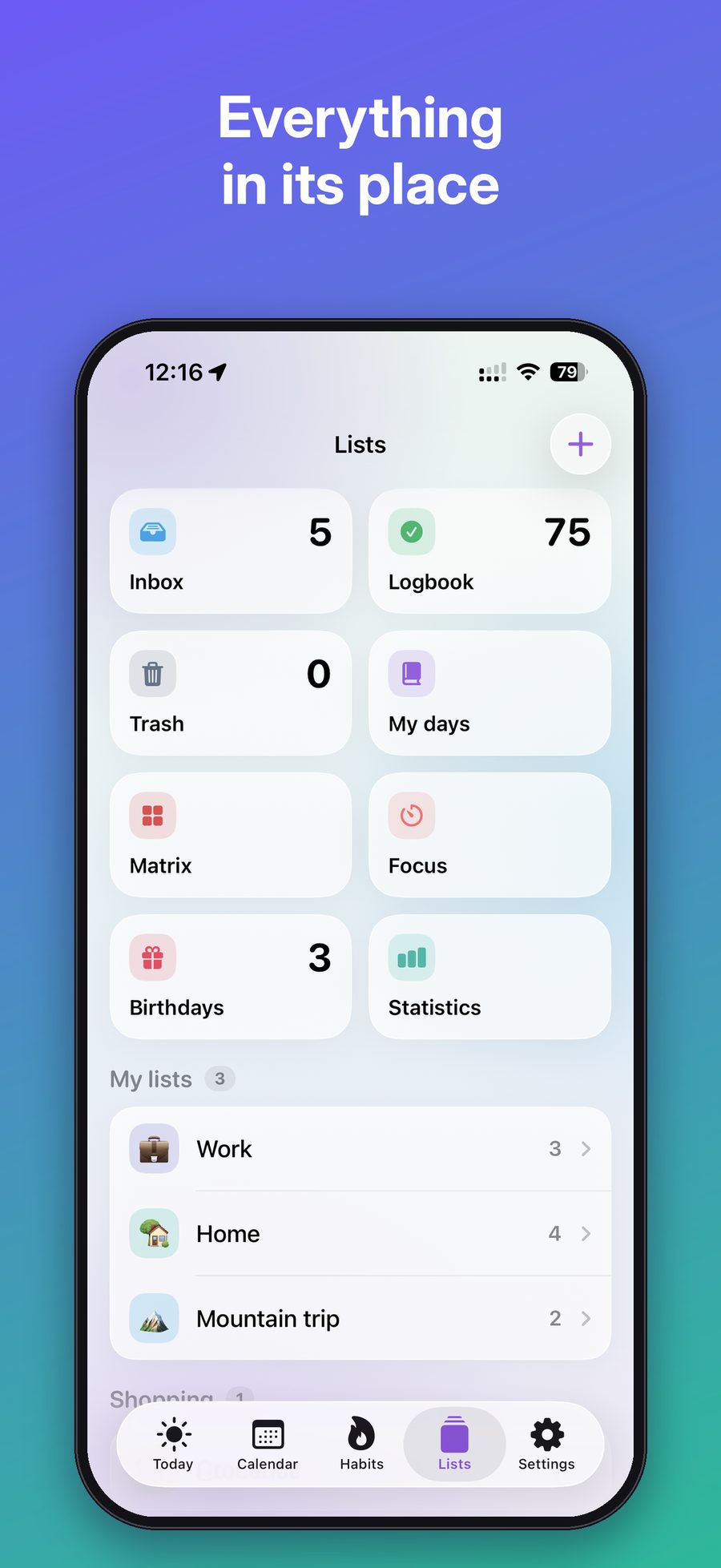
Inbox, your own lists with emoji and colors, shopping lists, a logbook of completed tasks and a trash bin that keeps deleted tasks for 30 days.
- Shopping lists — add several items separated by commas
- Logbook you can clear in one tap
- Trash with 30-day recovery
- Hidden lists (Pro)
More inside
Small things that make a big difference every day.
Made with respect for you
No accounts, no ads, no subscriptions.
Private by design
Your tasks stay on your device and in your private iCloud. We don't collect any data and there is no sign-up.
iCloud sync
Turn on iCloud and your tasks, lists and habits are the same on iPhone and iPad.
Pay once
Free to download. Pro is a one-time purchase — no subscriptions, ever.
FAQ